Make operations measurable
Review account activity, team performance, and Meta-level visibility from the product.
Give teams visibility into activity while keeping the platform extensible through API keys, webhooks, Meta insights, and operational reporting.
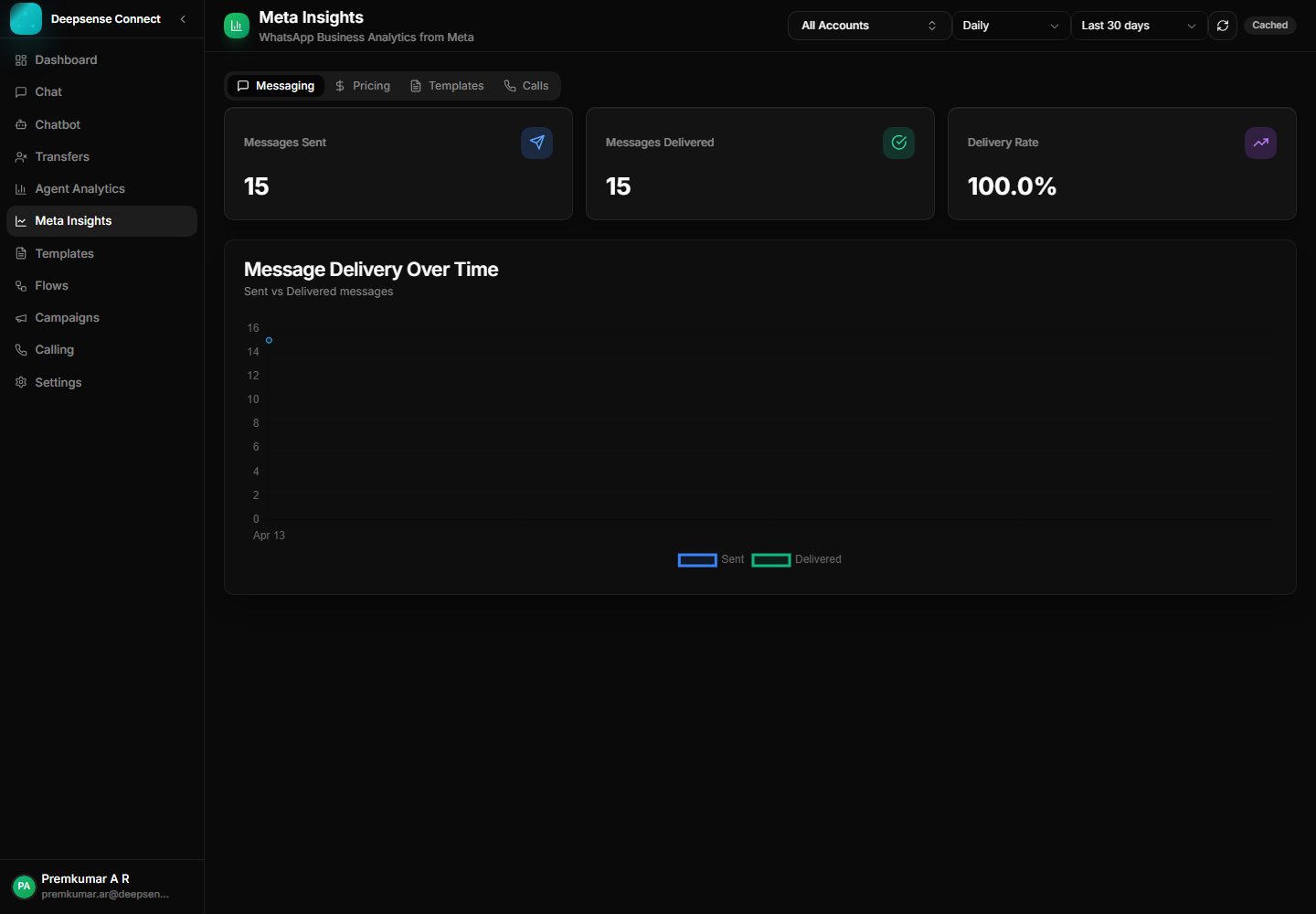
This capability turns common WhatsApp work into a repeatable process: fewer scattered messages, clearer handoffs, and better follow-up.
Review account activity, team performance, and Meta-level visibility from the product.
API keys and webhooks help connect WhatsApp operations with CRMs, support systems, and internal tools.
The platform can expand from manual operations into connected, automated workflows as usage increases.
Example: A manager reviews message volume and agent activity after a campaign launch.
Use dashboards and insights to understand messaging activity.
Example: A manager reviews message volume and agent activity after a campaign launch.
Create API keys for trusted integrations.
Example: A CRM integration creates contacts or pushes lead status into Deepsense Connect.
Configure webhooks for event delivery.
Example: A billing system receives an event when a customer replies to a payment reminder.
Use the data to refine team workflows and customer journeys.
Example: Managers identify repeated support questions and turn them into a chatbot flow.
These examples show how the feature supports real customer conversations, internal workflows, and measurable business outcomes.
Push captured lead details from chatbot flows into an external CRM or internal sales system.
Notify billing, support, or operations systems when important WhatsApp events happen.
Use dashboards and Meta insights to understand campaign activity, agent workload, and account performance.
Review the workspace experience customers and internal users rely on for daily WhatsApp operations.
Meta insights help teams review account-level performance and messaging visibility.
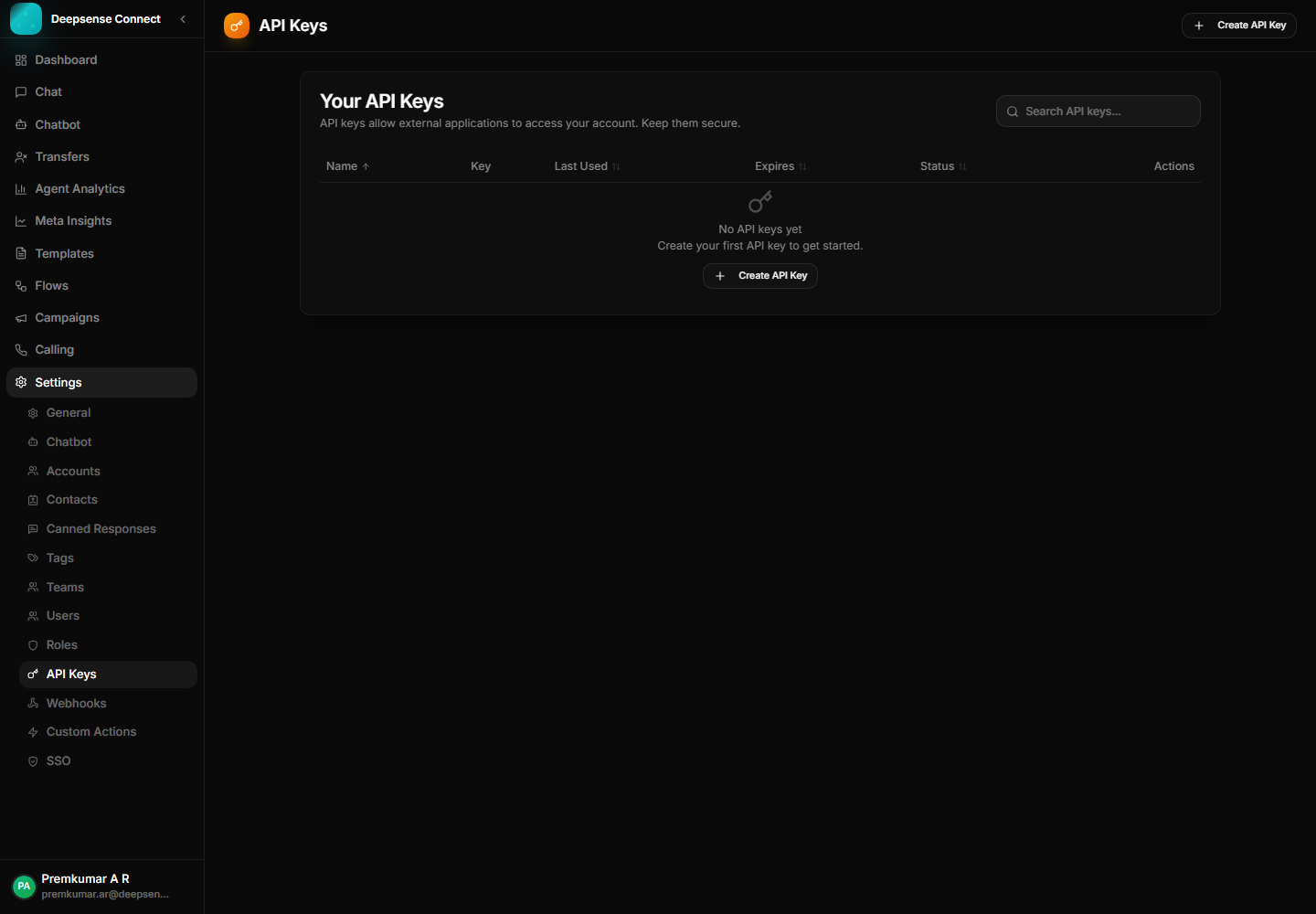
API keys support controlled integration with external business systems.
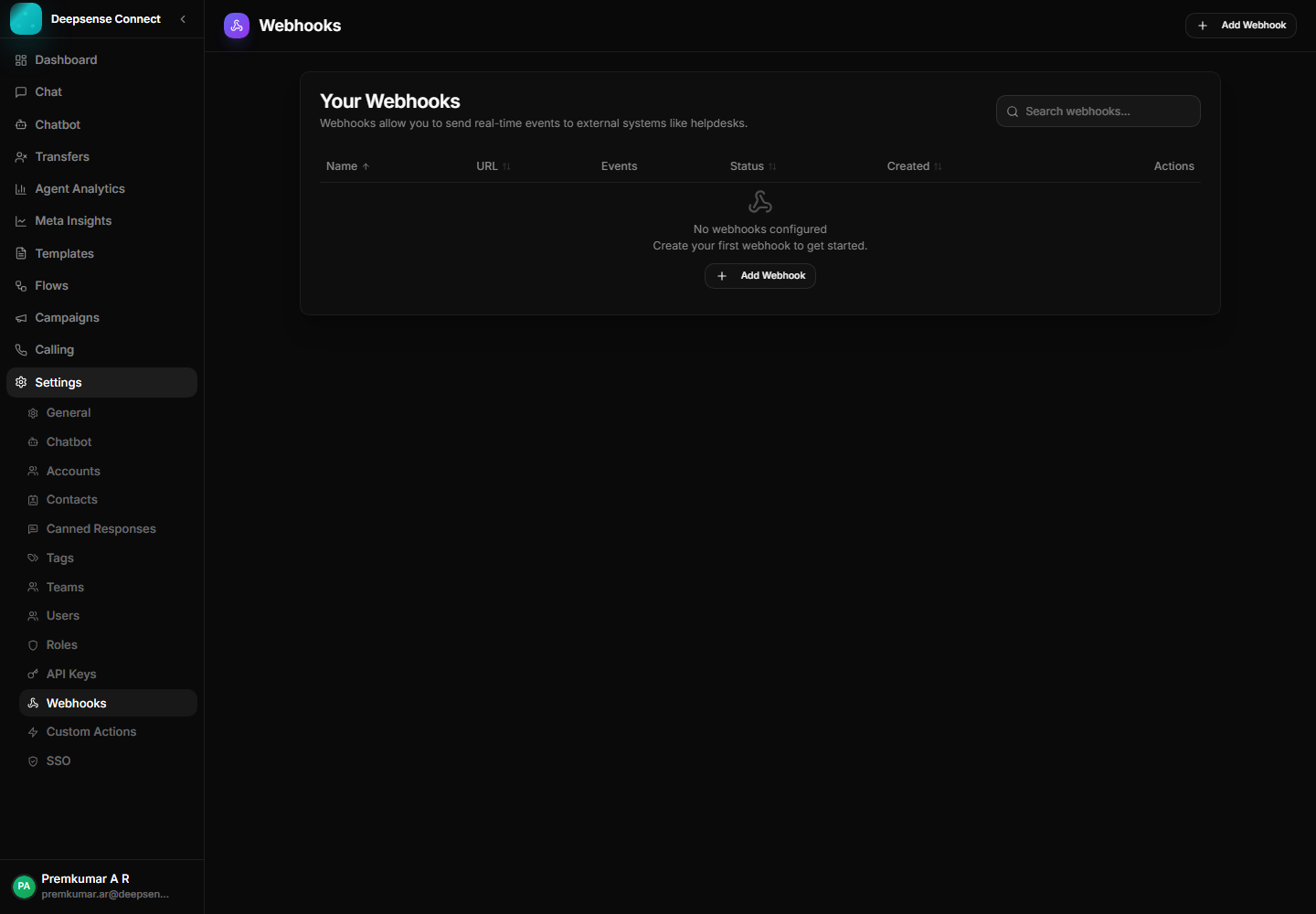
Webhooks help external systems receive operational events from the platform.
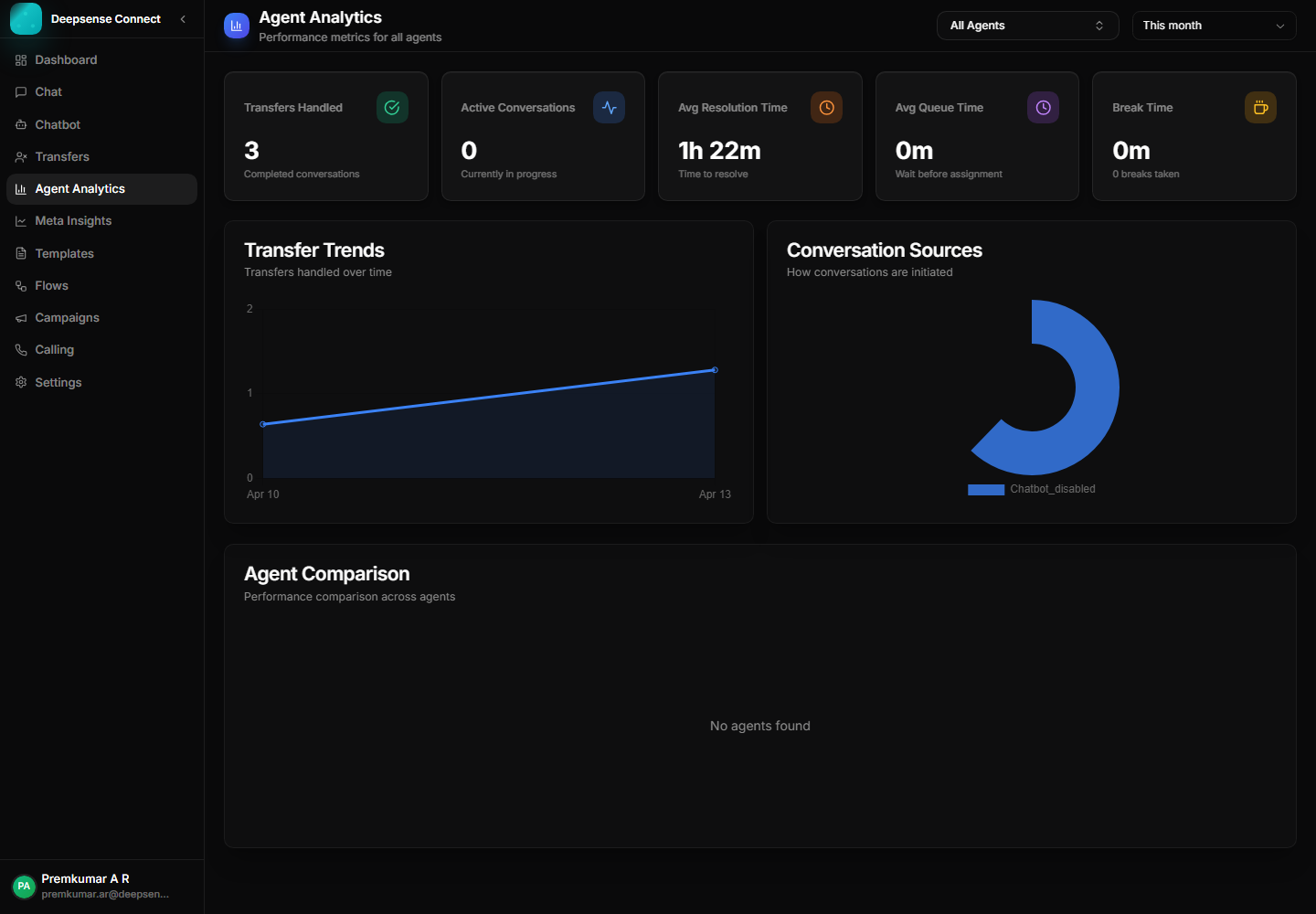
Agent analytics gives teams practical visibility into support activity and workload.
Combine this capability with chatbot flows, shared inbox operations, approved templates, campaigns, account control, and analytics for a complete WhatsApp Business workflow.
These connected capabilities help businesses manage the full WhatsApp workflow from one place.
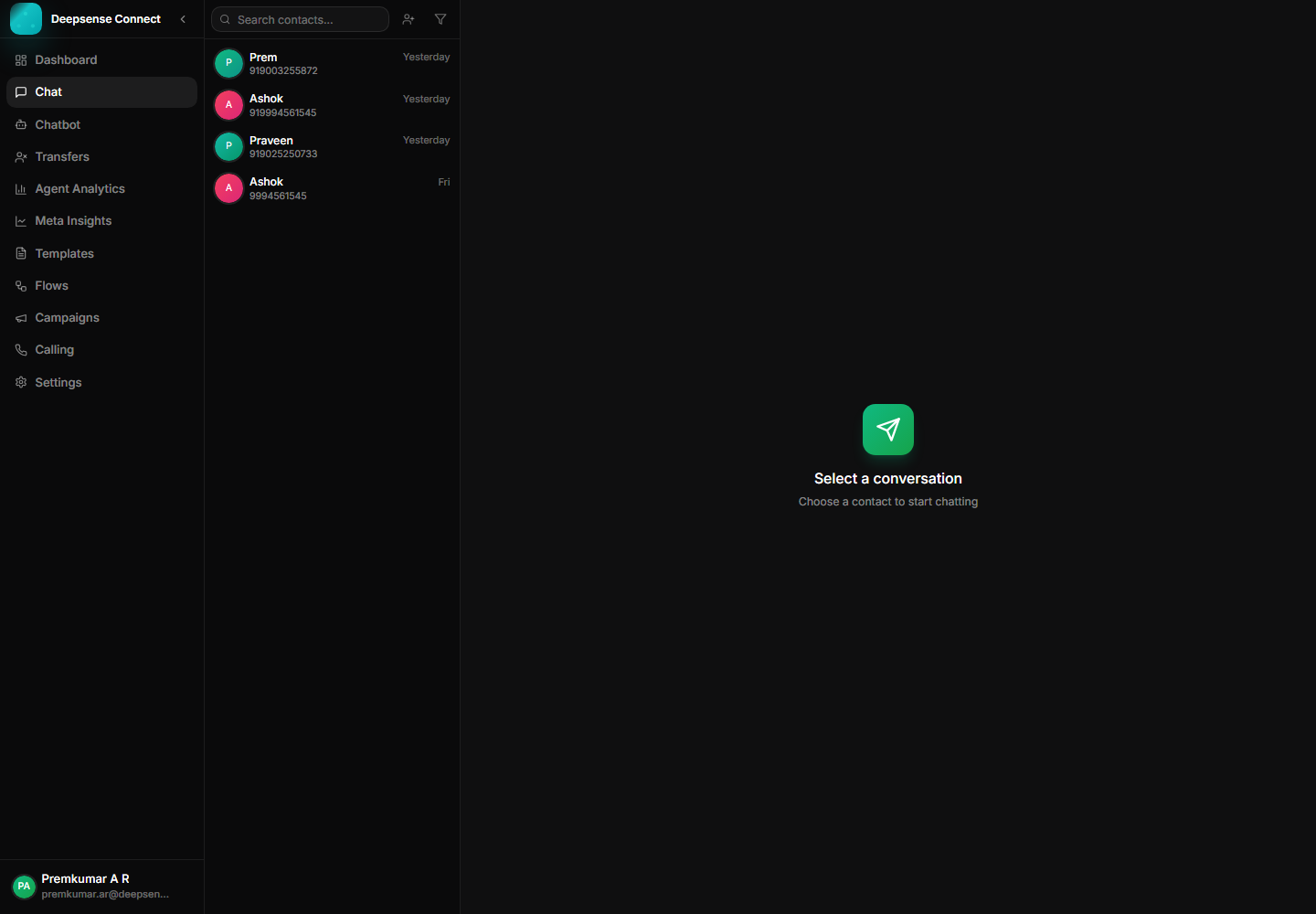
Manage customer messages, media, status ticks, assignments, and history from one workspace.
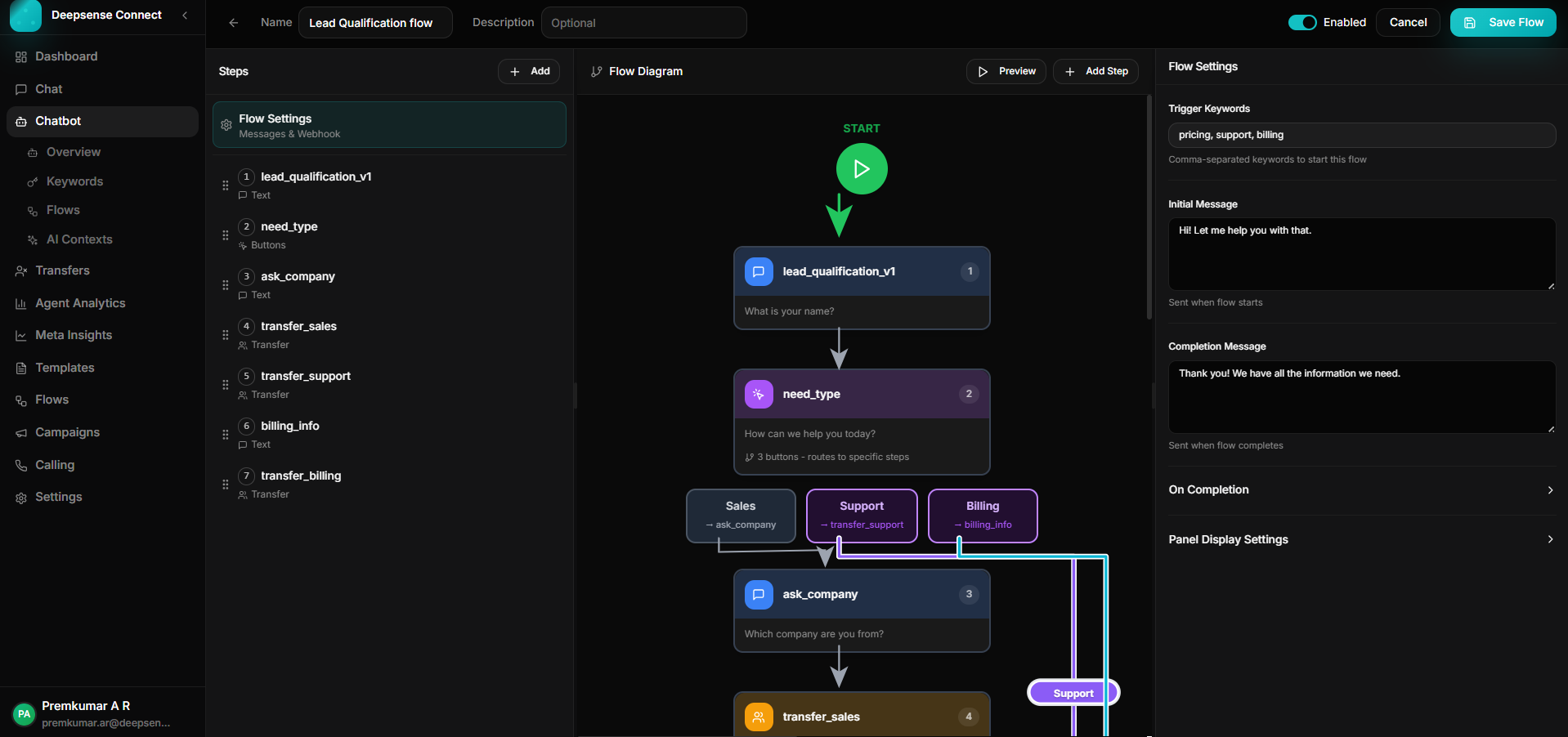
Build keyword-triggered journeys with branching, validation, API calls, forms, and human handoff.
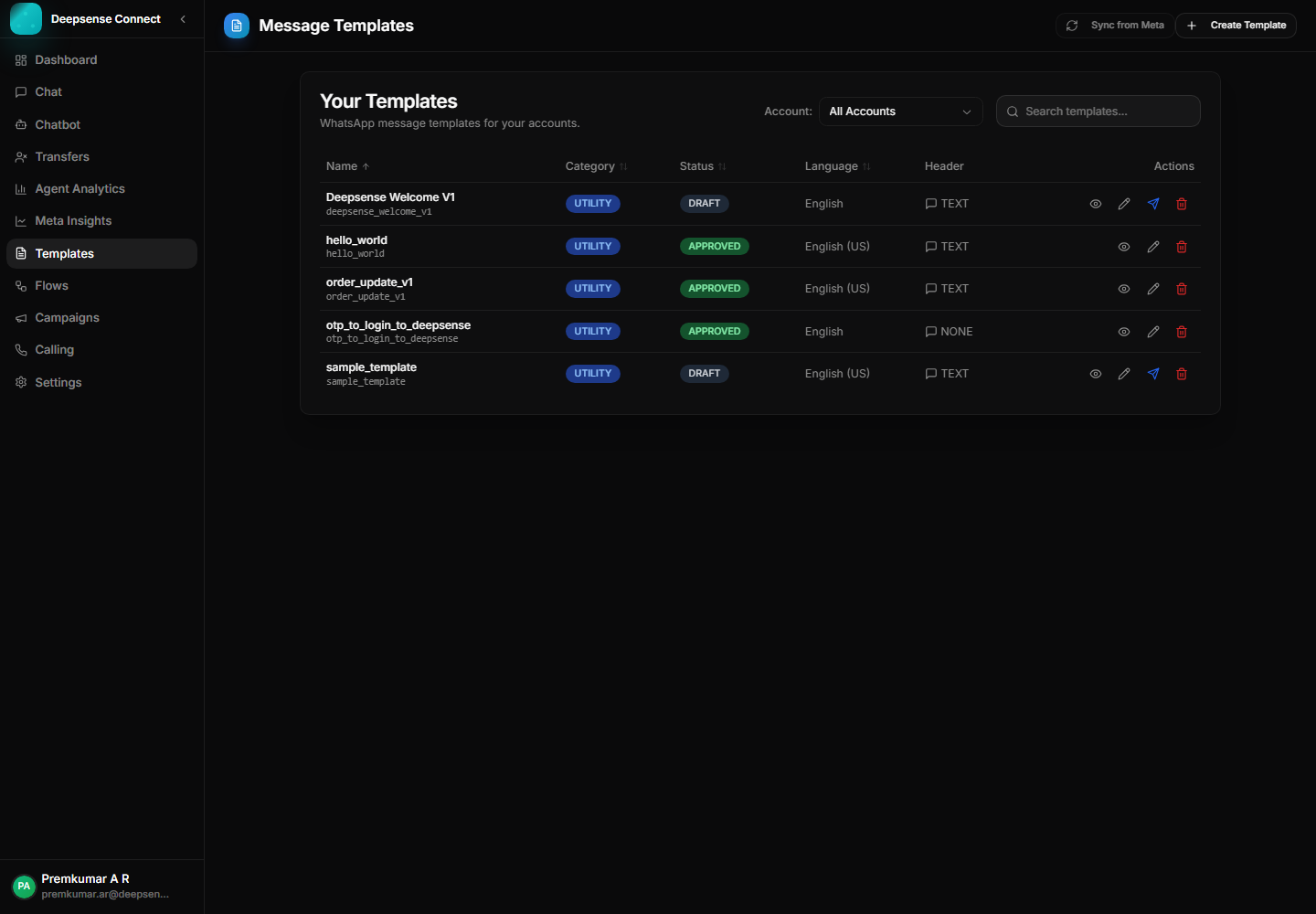
Create, sync, publish, and manage WhatsApp templates for approved outbound communication.