Keep conversations centralized
Every team works from the same WhatsApp workspace instead of handling customer messages in disconnected phones or browser tabs.
Give sales, support, and operations teams one controlled place to reply, review history, share context, and keep conversations moving without switching tools.
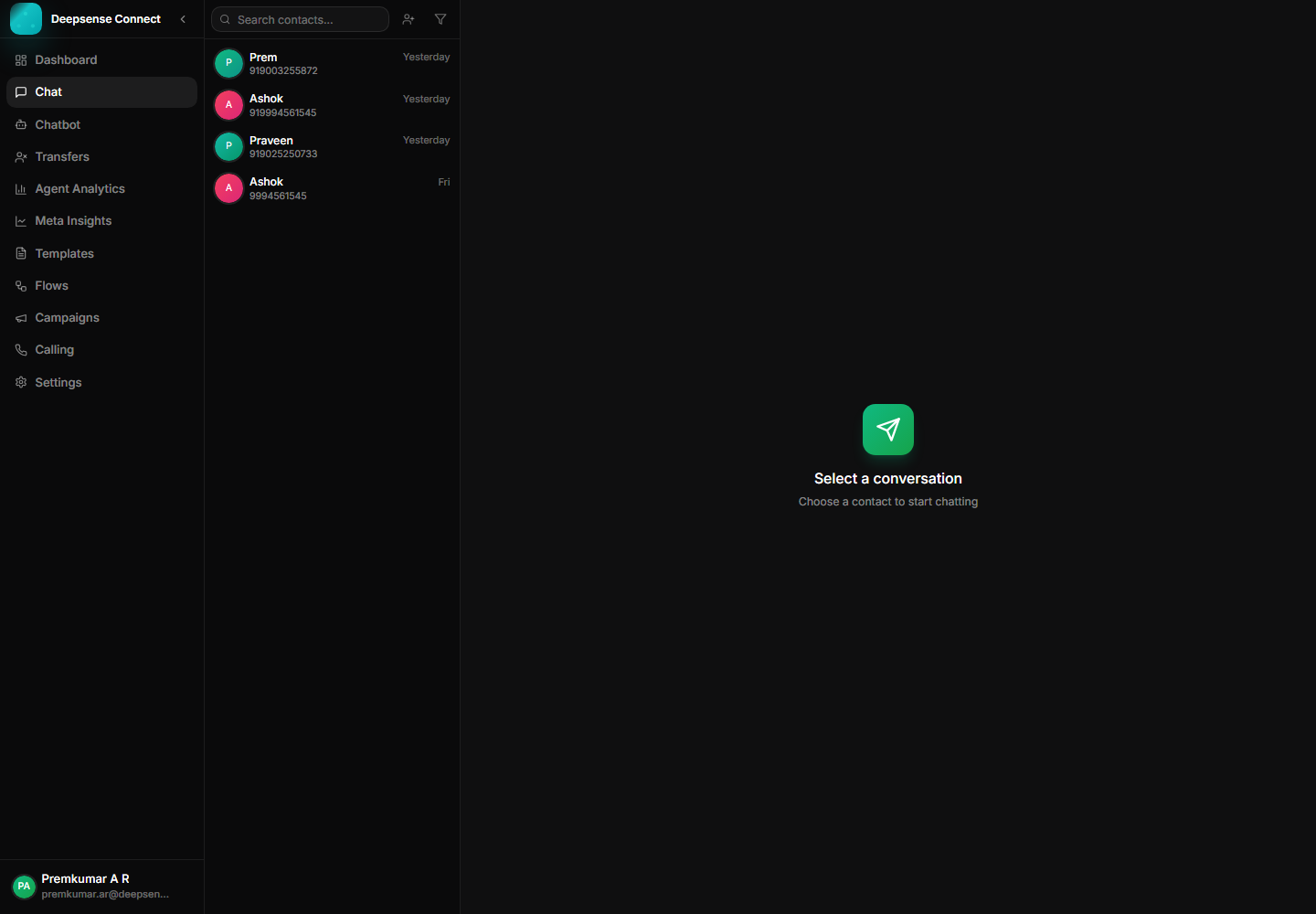
This capability turns common WhatsApp work into a repeatable process: fewer scattered messages, clearer handoffs, and better follow-up.
Every team works from the same WhatsApp workspace instead of handling customer messages in disconnected phones or browser tabs.
Agents can see prior messages, media, delivery state, and customer details before replying.
Automation can qualify the request first, then transfer the conversation to the right team when a person needs to step in.
Example: A dealer asks about order delivery on WhatsApp and the message lands in the team inbox instantly.
Incoming messages arrive in the shared inbox with customer context.
Example: A dealer asks about order delivery on WhatsApp and the message lands in the team inbox instantly.
Agents review the thread, media, status, and account details.
Example: Support sees the previous invoice image, earlier promise date, and the customer phone number before replying.
Teams reply manually or use approved templates for consistent answers.
Example: The agent sends a delivery update template and adds a personal note for the customer.
The conversation stays available for follow-up and reporting.
Example: A manager can review the closed thread later if the customer reopens the issue.
These examples show how the feature supports real customer conversations, internal workflows, and measurable business outcomes.
A customer sends a product issue with a photo. The agent sees the history, replies from the shared inbox, and keeps the conversation available for follow-up.
A new enquiry comes from a campaign. Sales can continue the conversation without asking the customer to repeat earlier details.
A chatbot qualifies the request first, then transfers the chat to the correct team with context already captured.
Review the workspace experience customers and internal users rely on for daily WhatsApp operations.
Live conversation view with media, replies, status ticks, and customer history.
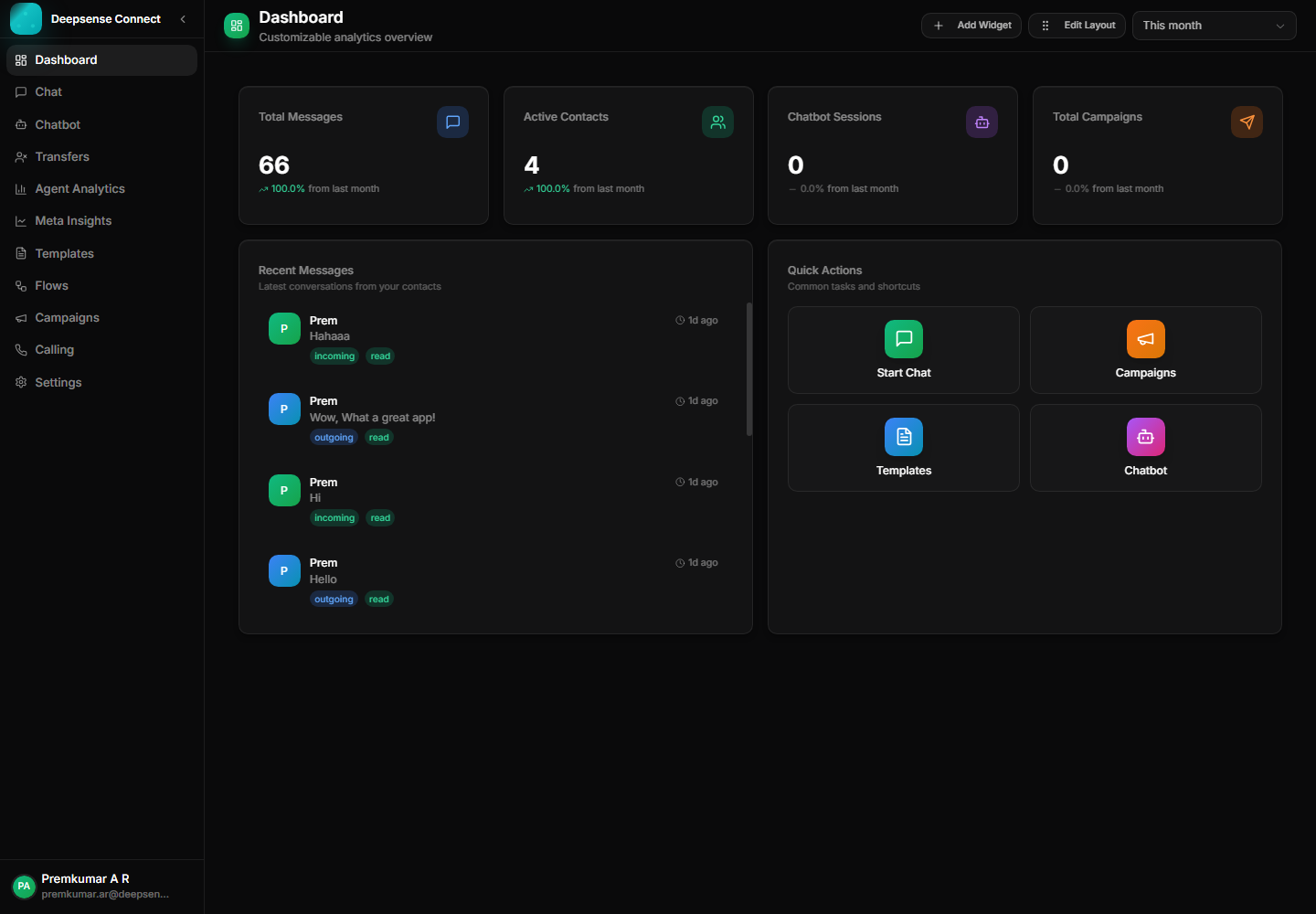
Operational dashboard for activity, workload, and account visibility.
Combine this capability with chatbot flows, shared inbox operations, approved templates, campaigns, account control, and analytics for a complete WhatsApp Business workflow.
These connected capabilities help businesses manage the full WhatsApp workflow from one place.
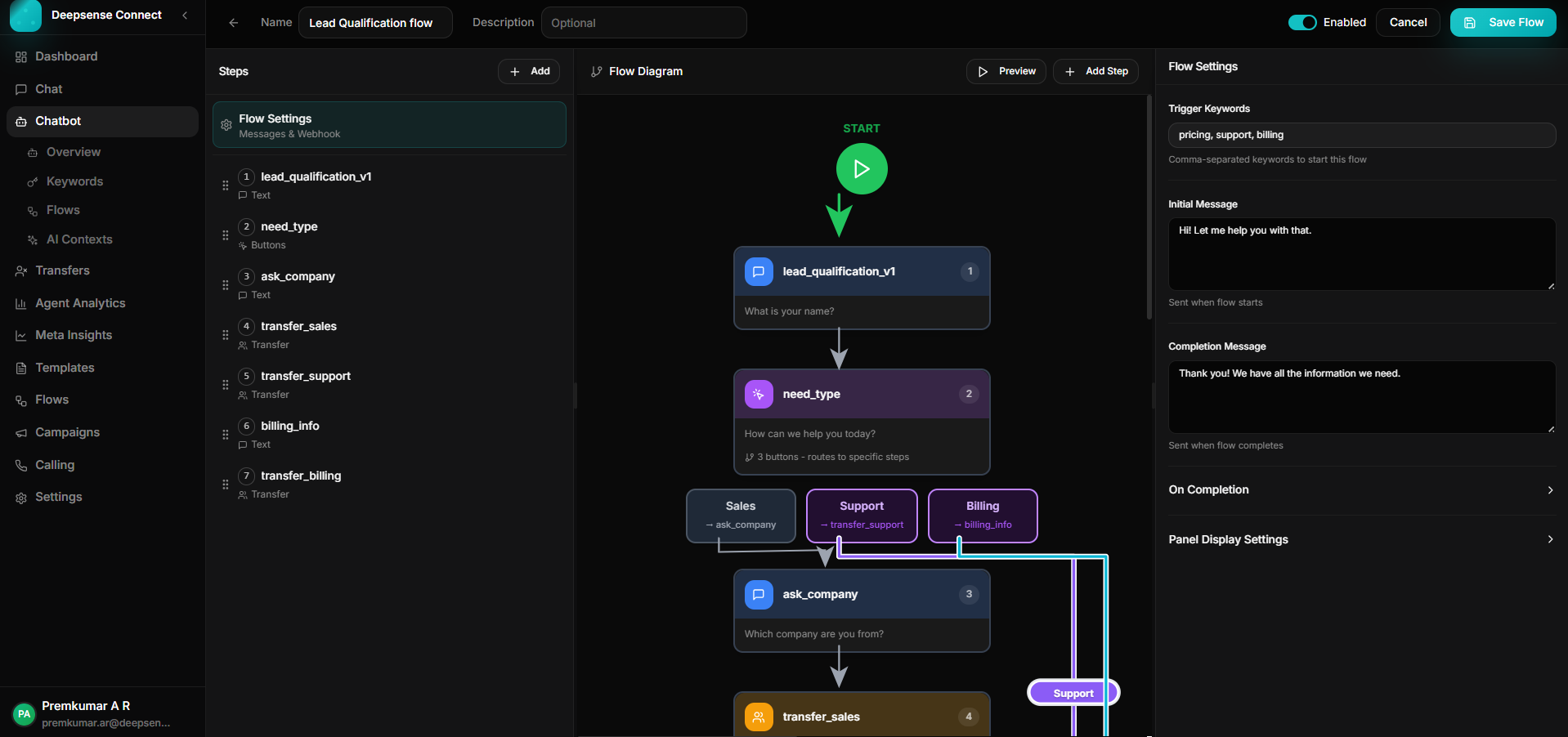
Build keyword-triggered journeys with branching, validation, API calls, forms, and human handoff.
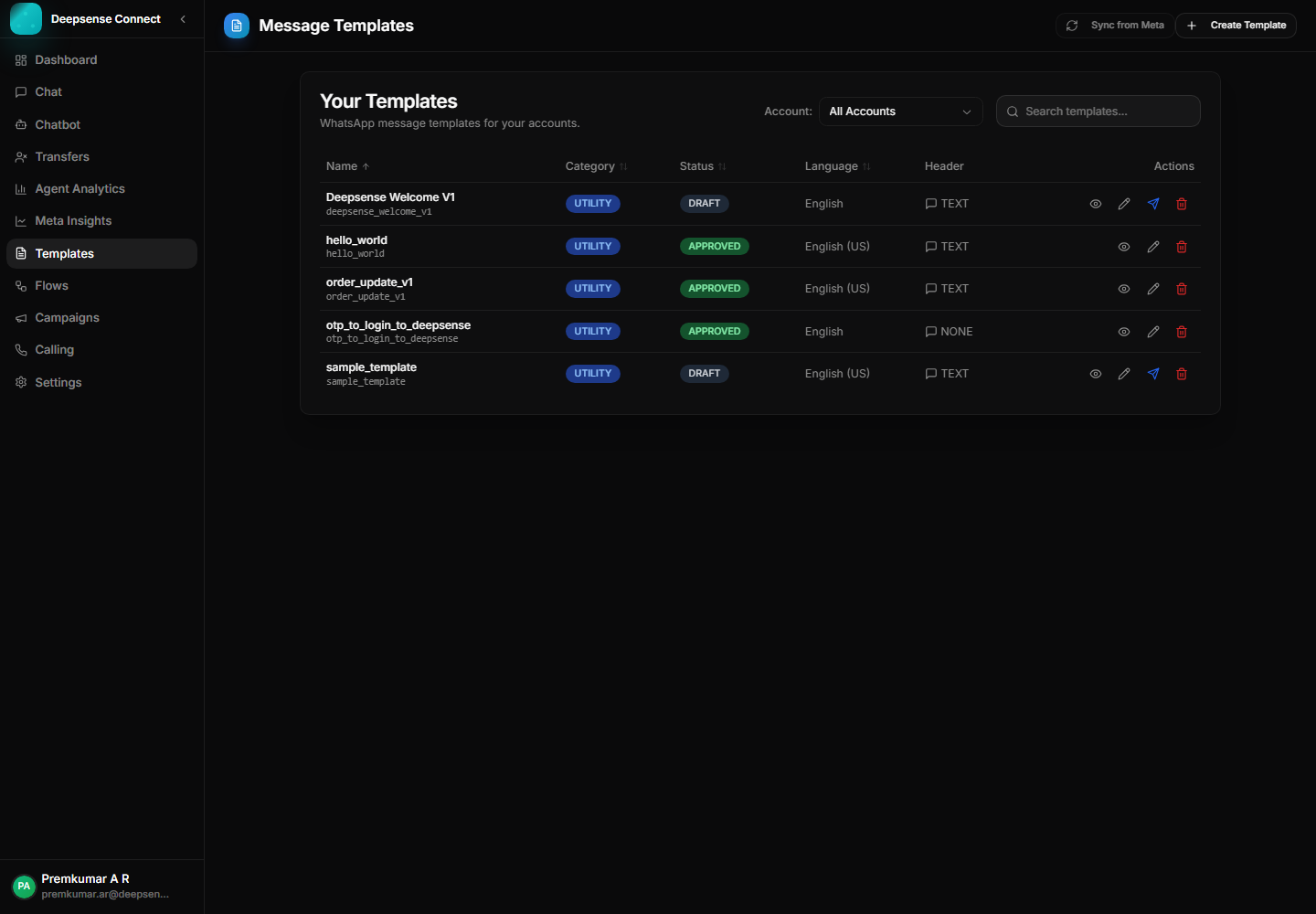
Create, sync, publish, and manage WhatsApp templates for approved outbound communication.
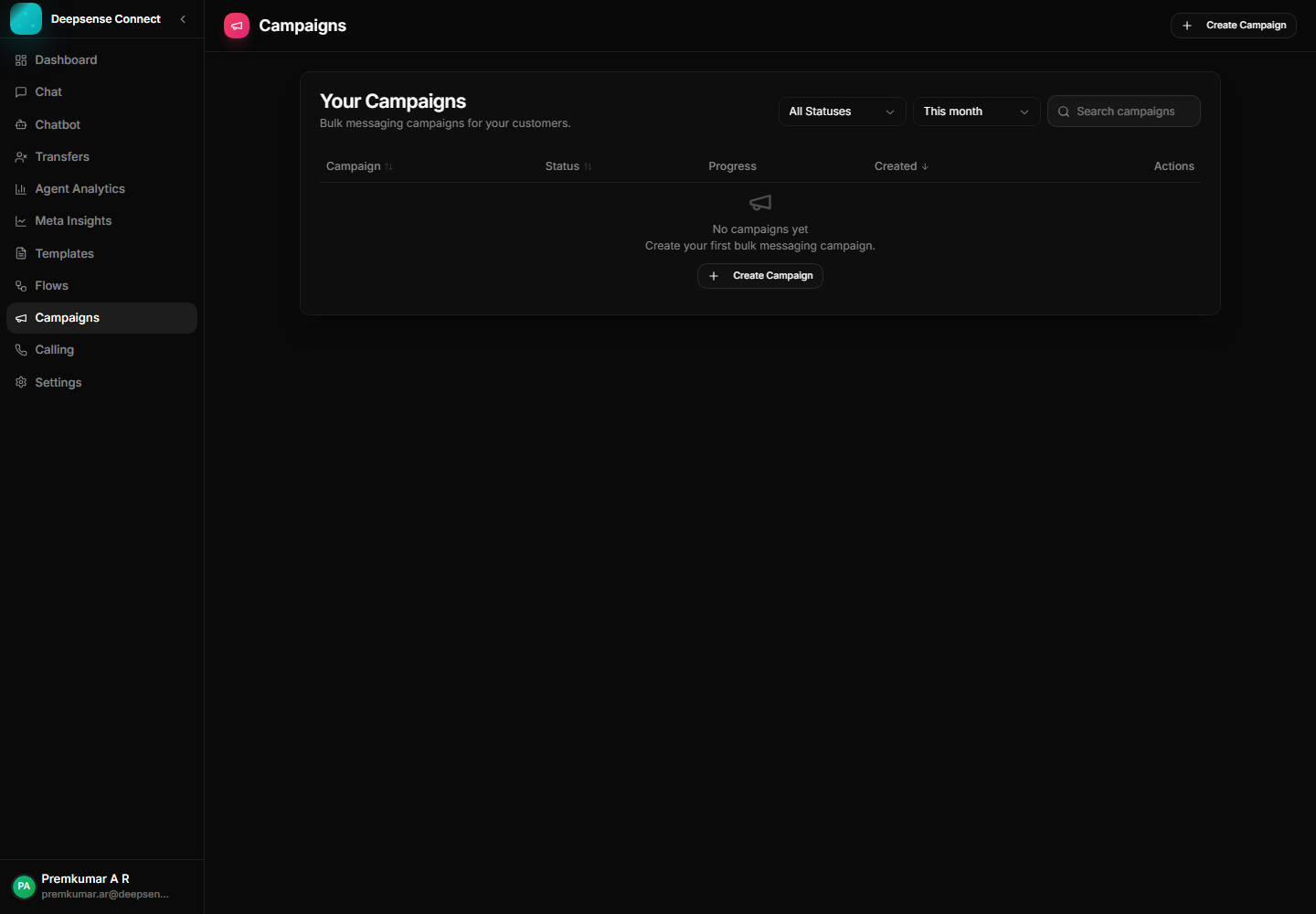
Use approved templates to run campaigns, announcements, reminders, and follow-ups.