Move beyond manual sending
Run controlled outreach without asking agents to copy messages contact by contact.
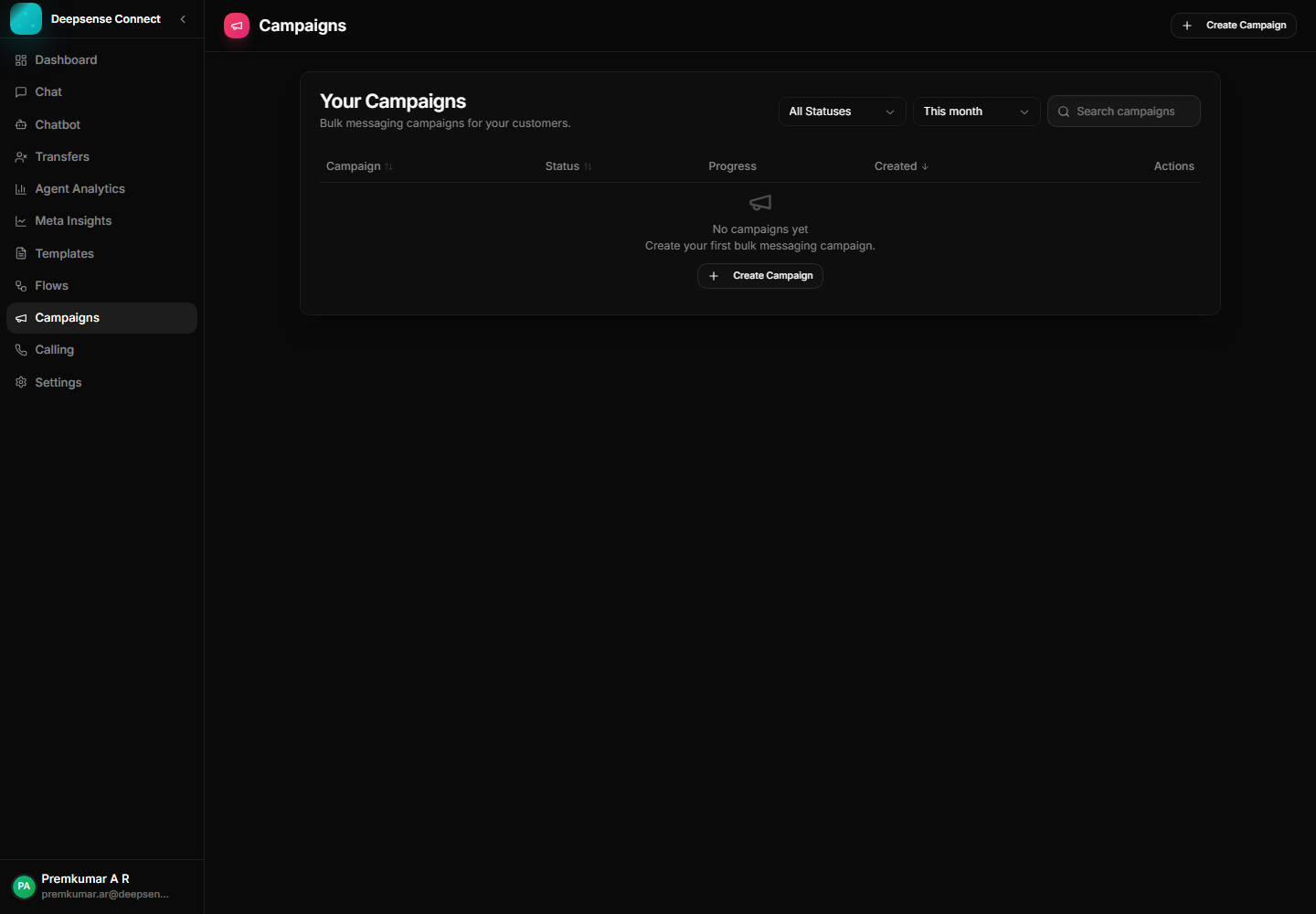
Run announcements, reminders, renewals, and updates through controlled template-based campaigns with a cleaner operational view for outreach teams.
This capability turns common WhatsApp work into a repeatable process: fewer scattered messages, clearer handoffs, and better follow-up.
Run controlled outreach without asking agents to copy messages contact by contact.
Campaigns use approved WhatsApp templates to keep outbound messaging aligned with Meta requirements.
Customer responses flow back into the shared conversation workspace for follow-up.
Example: Select customers whose subscription renews in the next seven days.
Select the contacts or segment for the campaign.
Example: Select customers whose subscription renews in the next seven days.
Pick an approved WhatsApp template and fill required variables.
Example: Use a renewal reminder template with plan name and expiry date variables.
Send the campaign through the connected WhatsApp account.
Example: Send the reminder to 500 customers from the business account in one controlled run.
Handle customer replies from the shared inbox.
Example: Customers replying "renew now" are handled by the support or sales team in chat.
These examples show how the feature supports real customer conversations, internal workflows, and measurable business outcomes.
Send renewal reminders to a selected audience and let interested customers reply back into the inbox.
Notify customers about offers, launches, webinars, appointments, or important updates using approved templates.
Move replies from campaign recipients into support or sales conversations for human follow-up.
Review the workspace experience customers and internal users rely on for daily WhatsApp operations.
Campaign workspace for template-based outreach and broadcast operations.
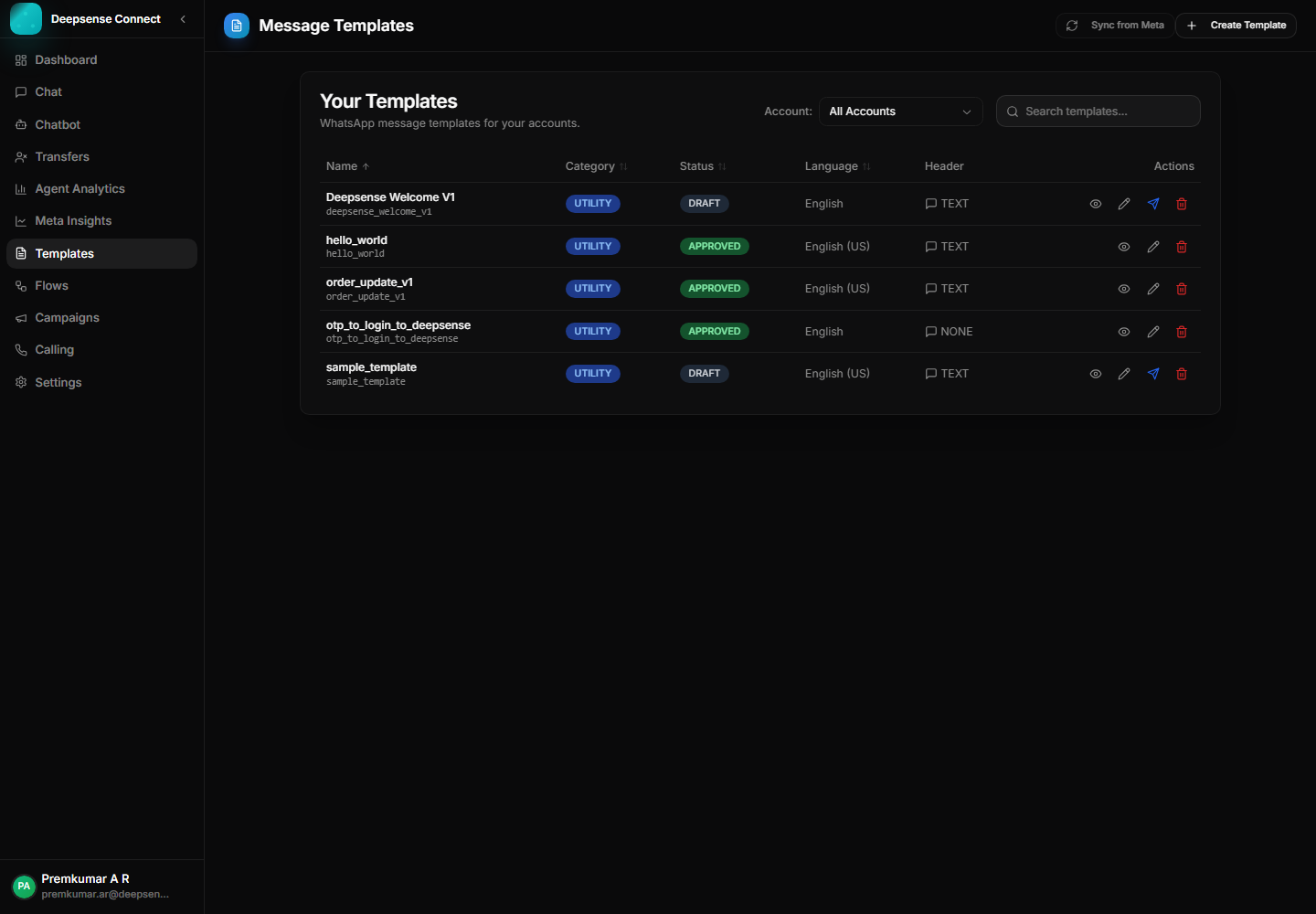
Approved templates provide the compliant message base for outbound campaigns.
Combine this capability with chatbot flows, shared inbox operations, approved templates, campaigns, account control, and analytics for a complete WhatsApp Business workflow.
These connected capabilities help businesses manage the full WhatsApp workflow from one place.
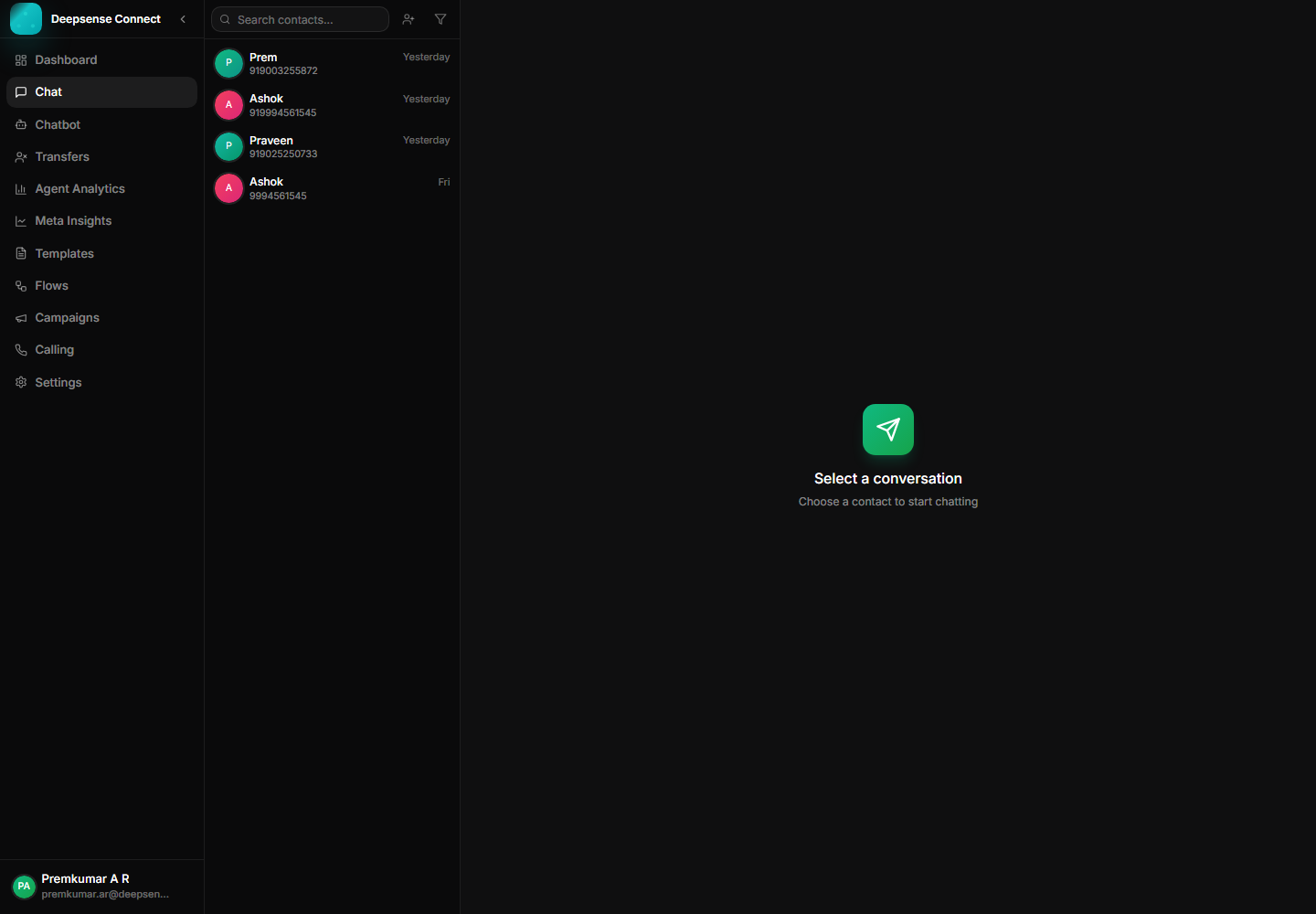
Manage customer messages, media, status ticks, assignments, and history from one workspace.
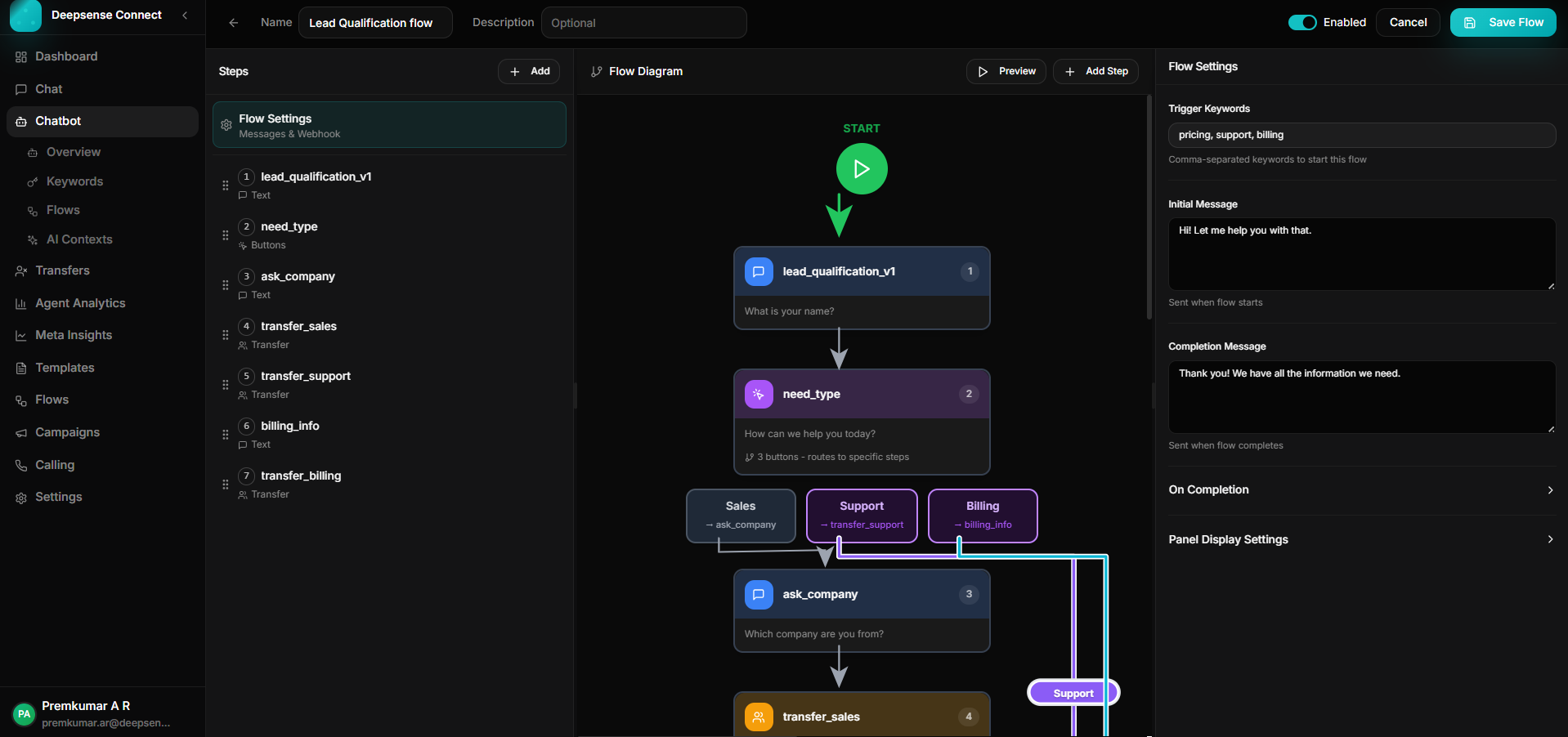
Build keyword-triggered journeys with branching, validation, API calls, forms, and human handoff.
Create, sync, publish, and manage WhatsApp templates for approved outbound communication.