Trigger flows from real conversations
Start a guided journey when a customer sends words like pricing, callback, support, or renewal.
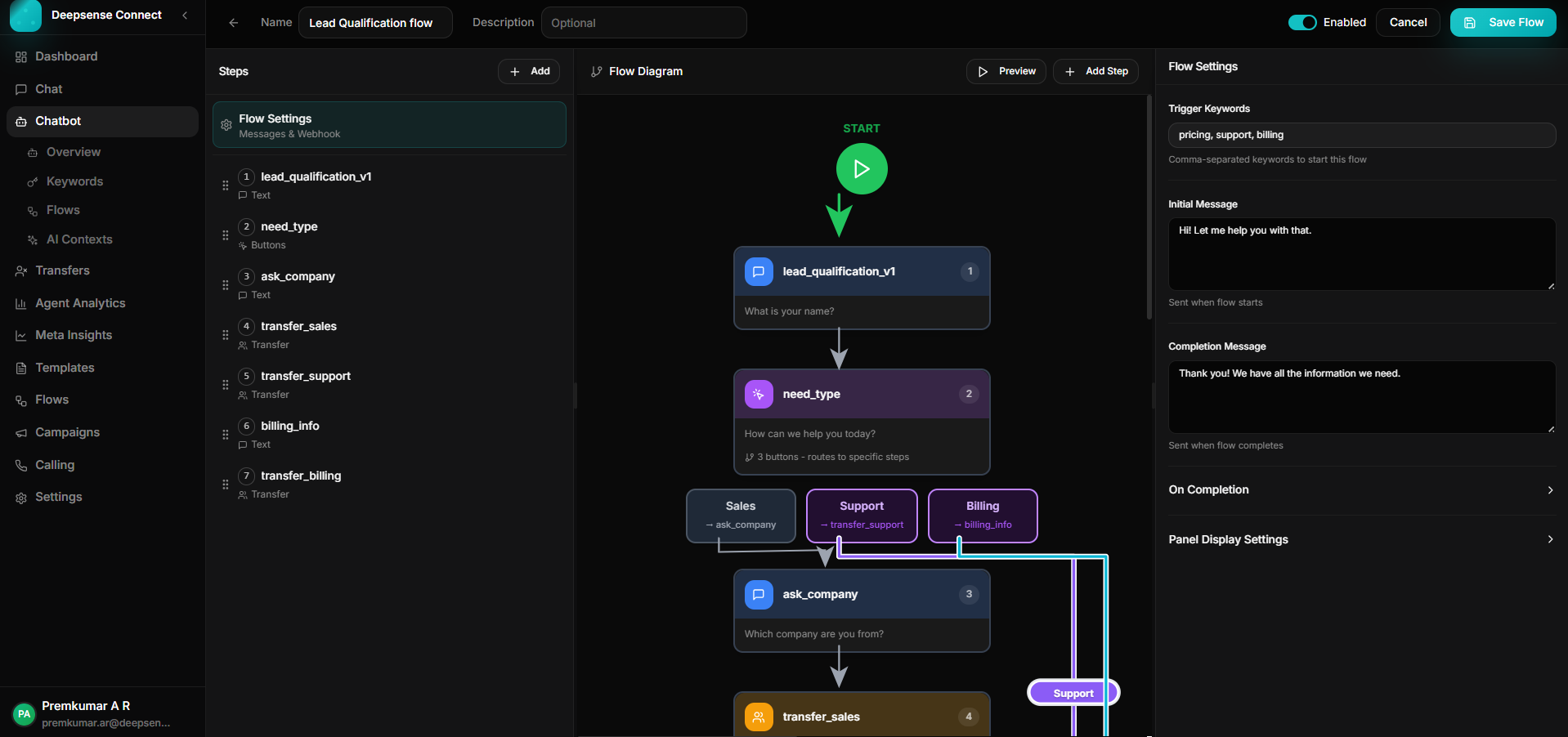
Build journeys that qualify leads, collect information, branch by customer intent, call business systems, and hand conversations to the right team.
Build automated journeys from trigger keyword to handoff. Each flow shows its keywords, step count, status, and the controls needed to edit or pause automation.
Conversation flows with keyword triggers, step count, active status, and edit controls.
A flow can be simple lead capture or a deeper service workflow that validates input, calls APIs, opens forms, and creates team handoffs.
Start a guided journey when a customer sends words like pricing, callback, support, or renewal.
Route sales, support, billing, and onboarding conversations without forcing agents to triage every message.
Store names, company details, invoice numbers, preferences, and responses directly from the conversation.
Fetch ticket status, lead scores, booking data, or account details and use the response in the next message.
Attach published WhatsApp Flows when the journey needs structured forms instead of free-text replies.
Transfer conversations to sales, support, billing, or a general queue with notes from the captured variables.
A customer sends pricing. The flow captures name, company, team size, and intent before handing the conversation to sales.
Create the flow, add trigger keywords, and define the first message customers should receive.
Example: A customer sends "pricing" and immediately receives a guided qualification message.
Collect details through text fields, numbers, email, dates, selections, or WhatsApp form responses.
Example: The flow asks for name, company, team size, and preferred callback time.
Use reply buttons to move each customer to the right path without agent intervention.
Example: Sales leads go to product consultation while existing customers go to support or billing.
Complete the journey with a confirmation, API action, or a handoff to the correct team.
Example: A qualified lead is transferred to sales with captured details already attached.
Each flow maps to a real customer conversation: capture intent, ask the right questions, then hand off with context.
Capture location, budget, project type, visit date, and phone number.
Ask for student name, course interest, class or program, location, and callback preference.
Branch customers into technical support, billing, or general assistance and collect the issue summary.
The same flow can be reviewed in the builder, simulated in preview, and verified in the live WhatsApp inbox.
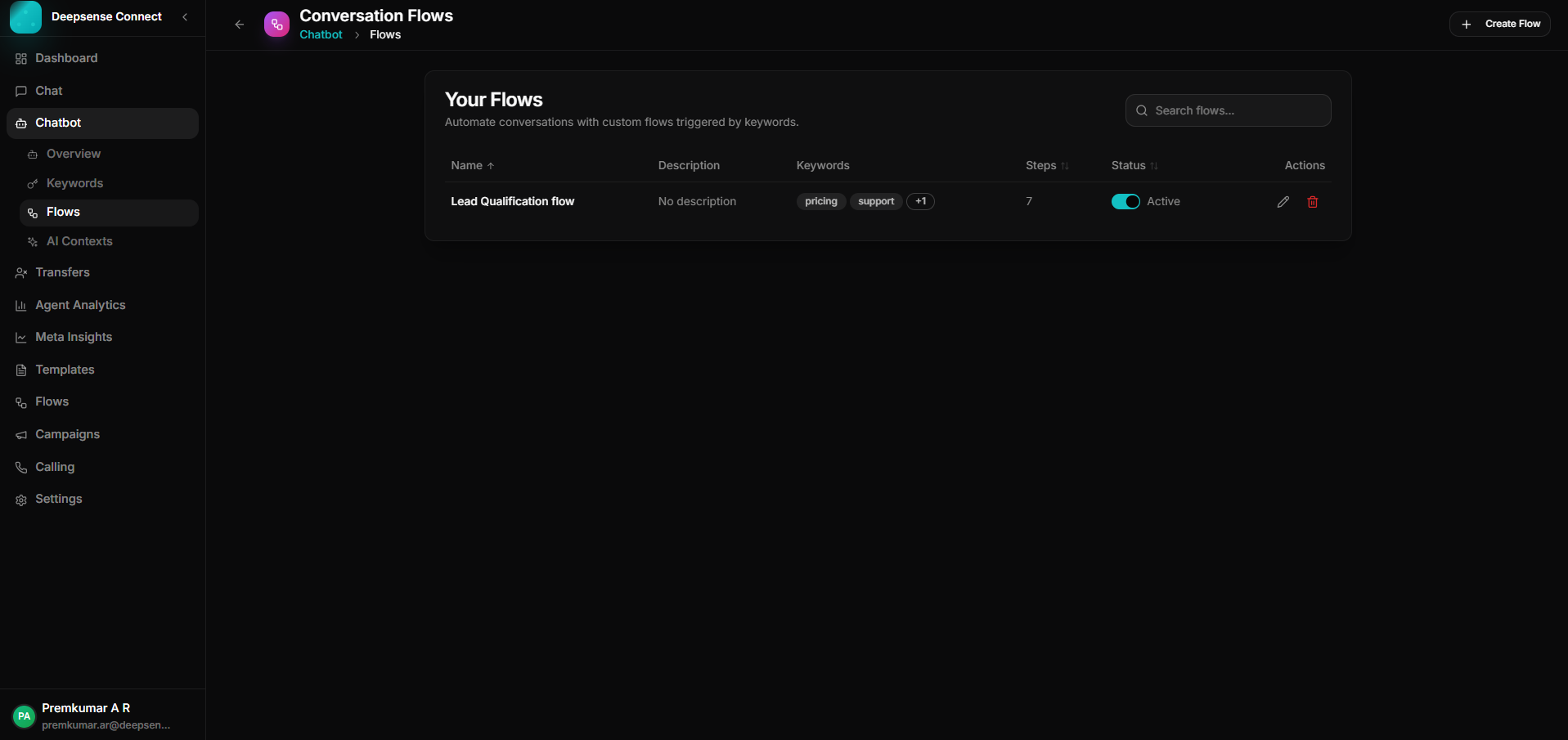
Active conversation flows with keyword triggers, step count, and status controls.
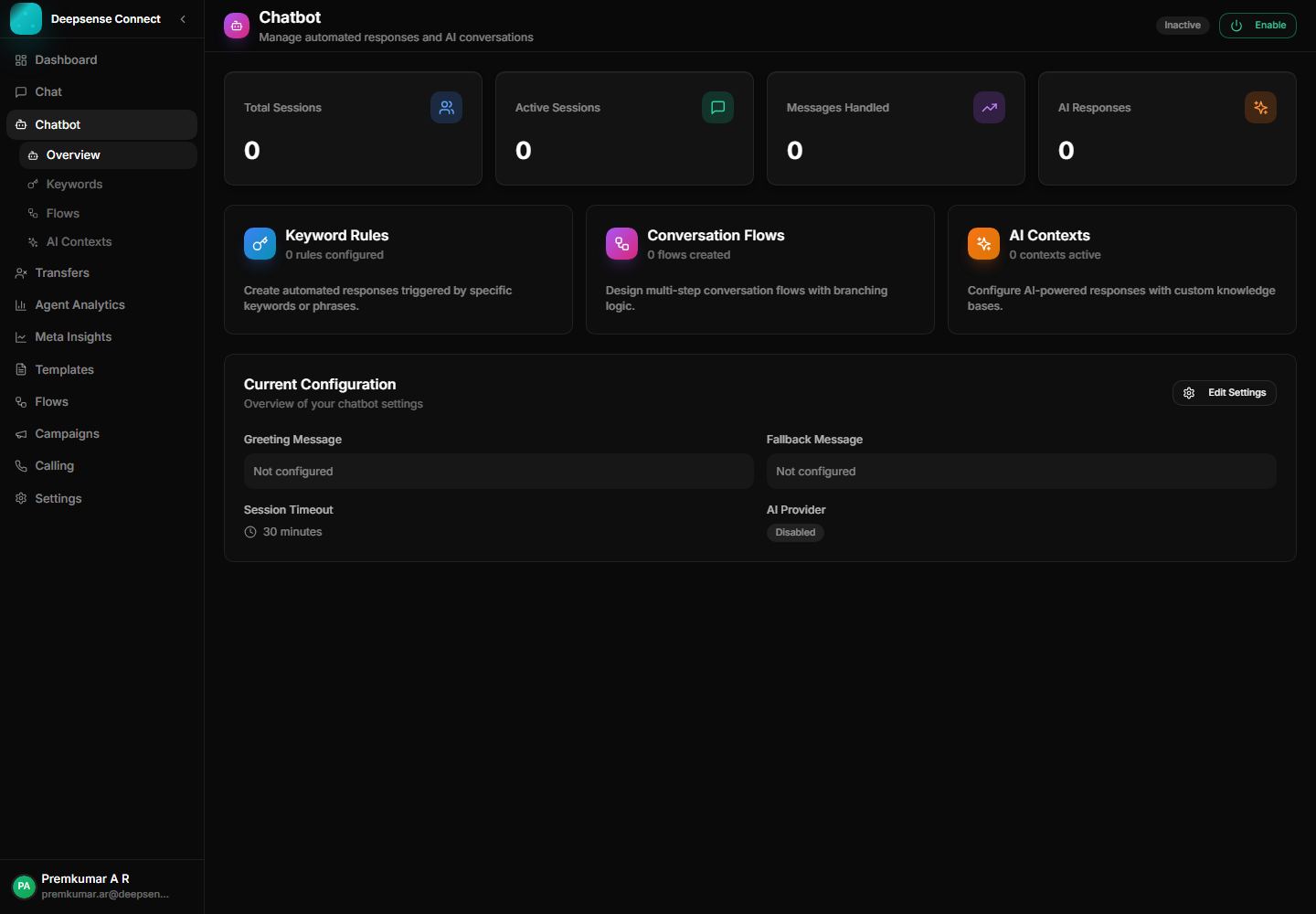
Chatbot module entry point for flows, keywords, AI contexts, and transfers.
Use Chatbot Flows to qualify customers, reduce repetitive triage, and move the right conversation to the right team with context already captured.
Chatbot flows become stronger when they connect with inbox operations, approved templates, campaign follow-ups, account control, and analytics.
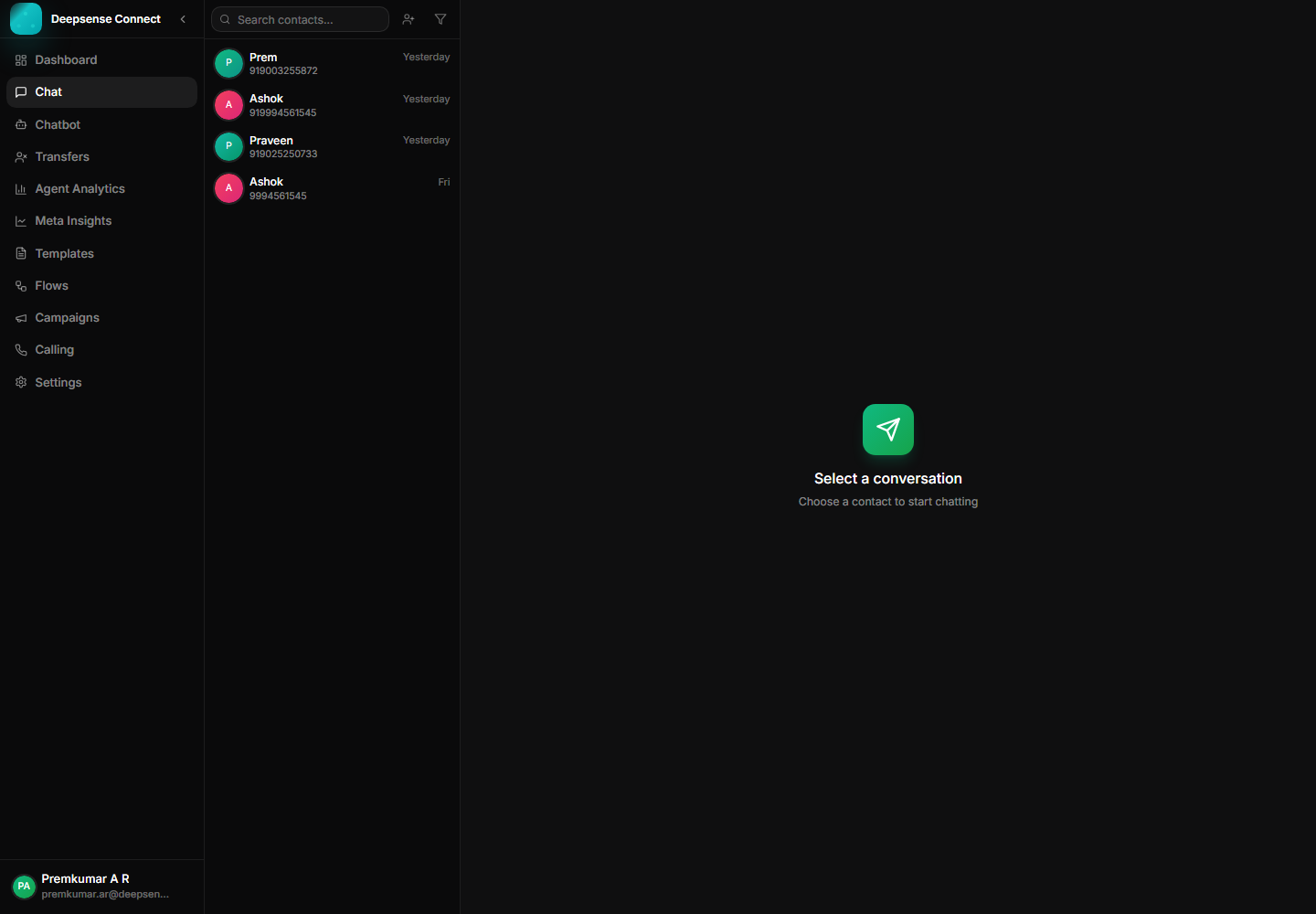
Manage customer messages, media, status ticks, assignments, and history from one workspace.
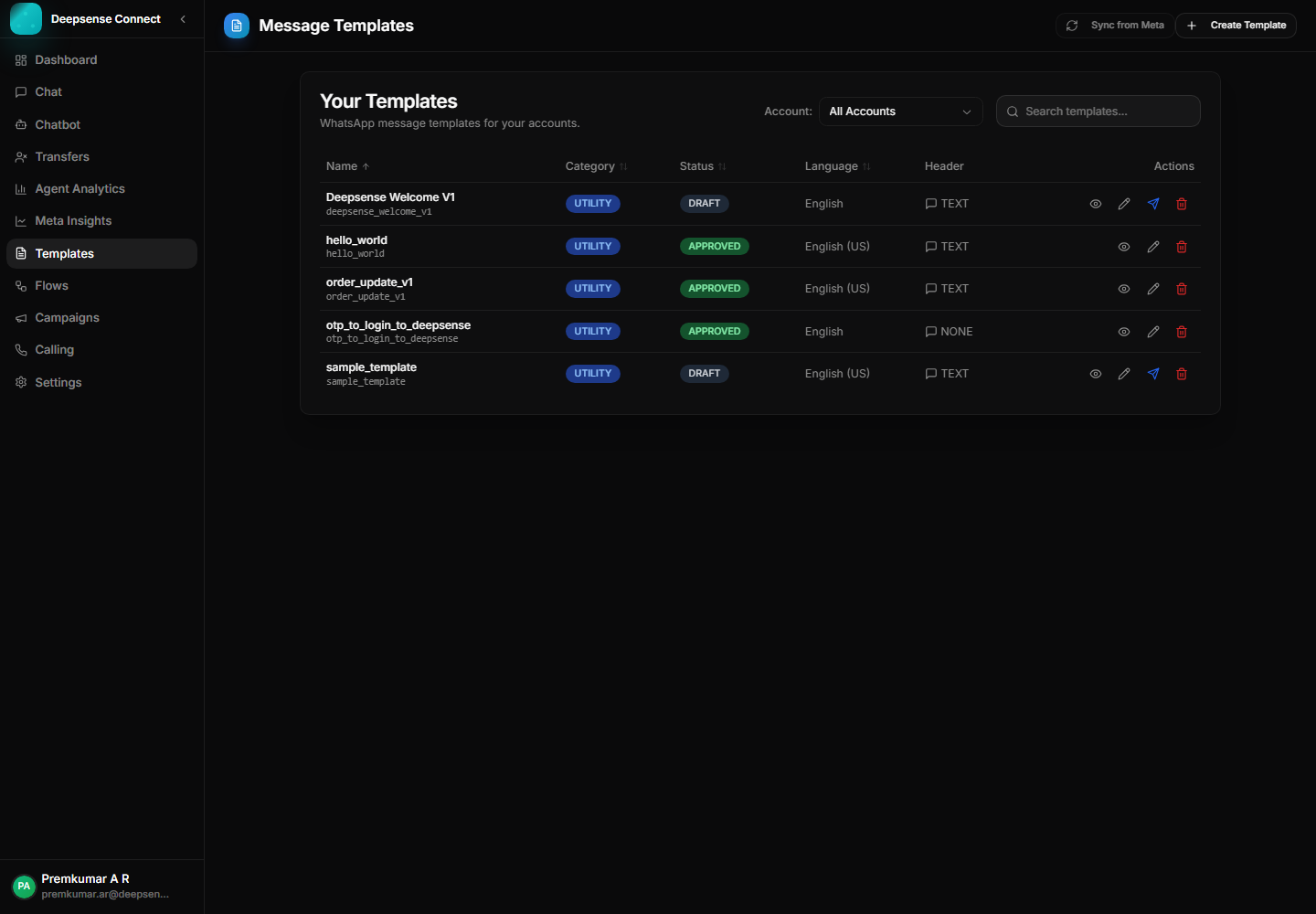
Create, sync, publish, and manage WhatsApp templates for approved outbound communication.
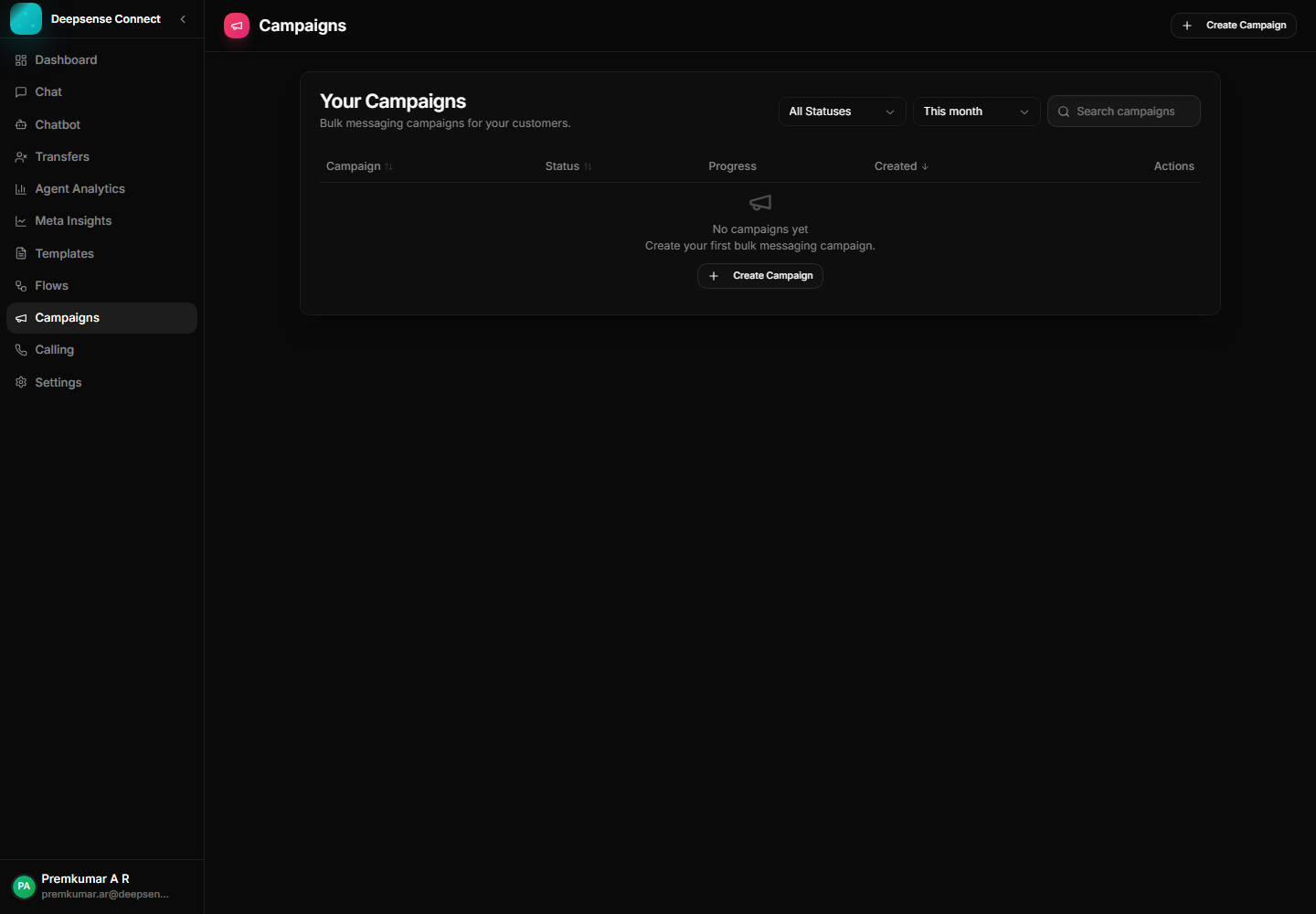
Use approved templates to run campaigns, announcements, reminders, and follow-ups.