Simplify onboarding
Connect WhatsApp assets and keep setup details visible without scattering credentials across users.
Connect and manage WhatsApp Business accounts, verify setup details, monitor credential readiness, and keep access centralized for business operations.
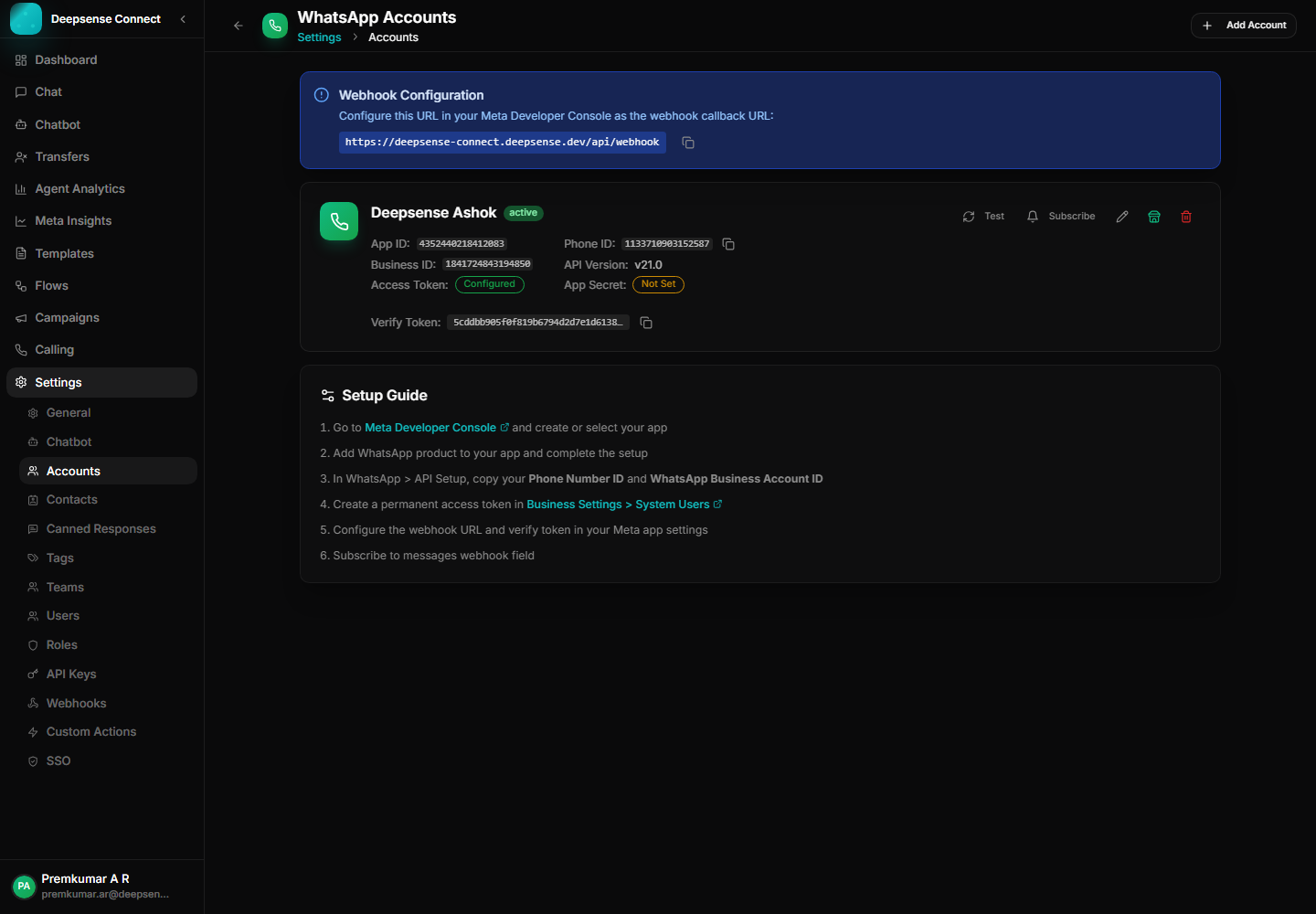
This capability turns common WhatsApp work into a repeatable process: fewer scattered messages, clearer handoffs, and better follow-up.
Connect WhatsApp assets and keep setup details visible without scattering credentials across users.
Operational users can see what is configured, what is missing, and which account needs attention.
Credentials remain centralized while teams use the product features they need.
Example: A new business connects its WhatsApp number through embedded signup.
Add or onboard a WhatsApp Business account.
Example: A new business connects its WhatsApp number through embedded signup.
Confirm app, phone, token, and business details.
Example: Operations checks phone ID, business ID, token state, and webhook token before launch.
Use the account for inbox, templates, campaigns, and automation.
Example: The same connected account powers customer chat, reminders, and chatbot flows.
Review setup status when messages, templates, or webhooks need attention.
Example: If template sync fails, the team can inspect account configuration from one screen.
These examples show how the feature supports real customer conversations, internal workflows, and measurable business outcomes.
Connect a new WhatsApp account and keep app ID, phone ID, business ID, token status, and webhook setup visible.
Centralize sensitive account configuration instead of sharing tokens across teams.
Quickly identify whether message delivery, template sync, or webhook issues are account-setup related.
Review the workspace experience customers and internal users rely on for daily WhatsApp operations.
Account-level view for phone IDs, business IDs, app credentials, tokens, and setup status.
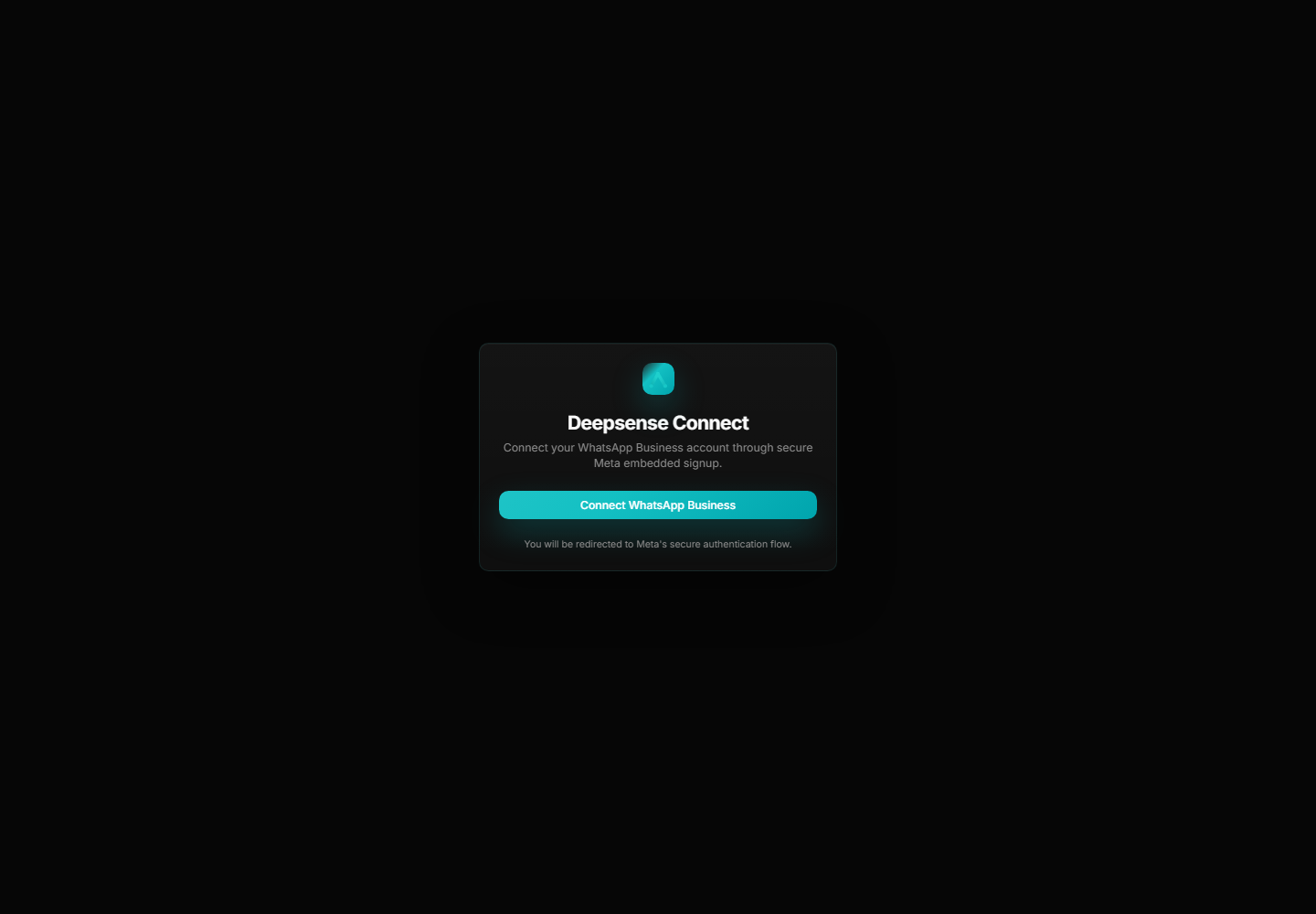
Embedded signup helps onboard connected WhatsApp assets into the platform.
Combine this capability with chatbot flows, shared inbox operations, approved templates, campaigns, account control, and analytics for a complete WhatsApp Business workflow.
These connected capabilities help businesses manage the full WhatsApp workflow from one place.
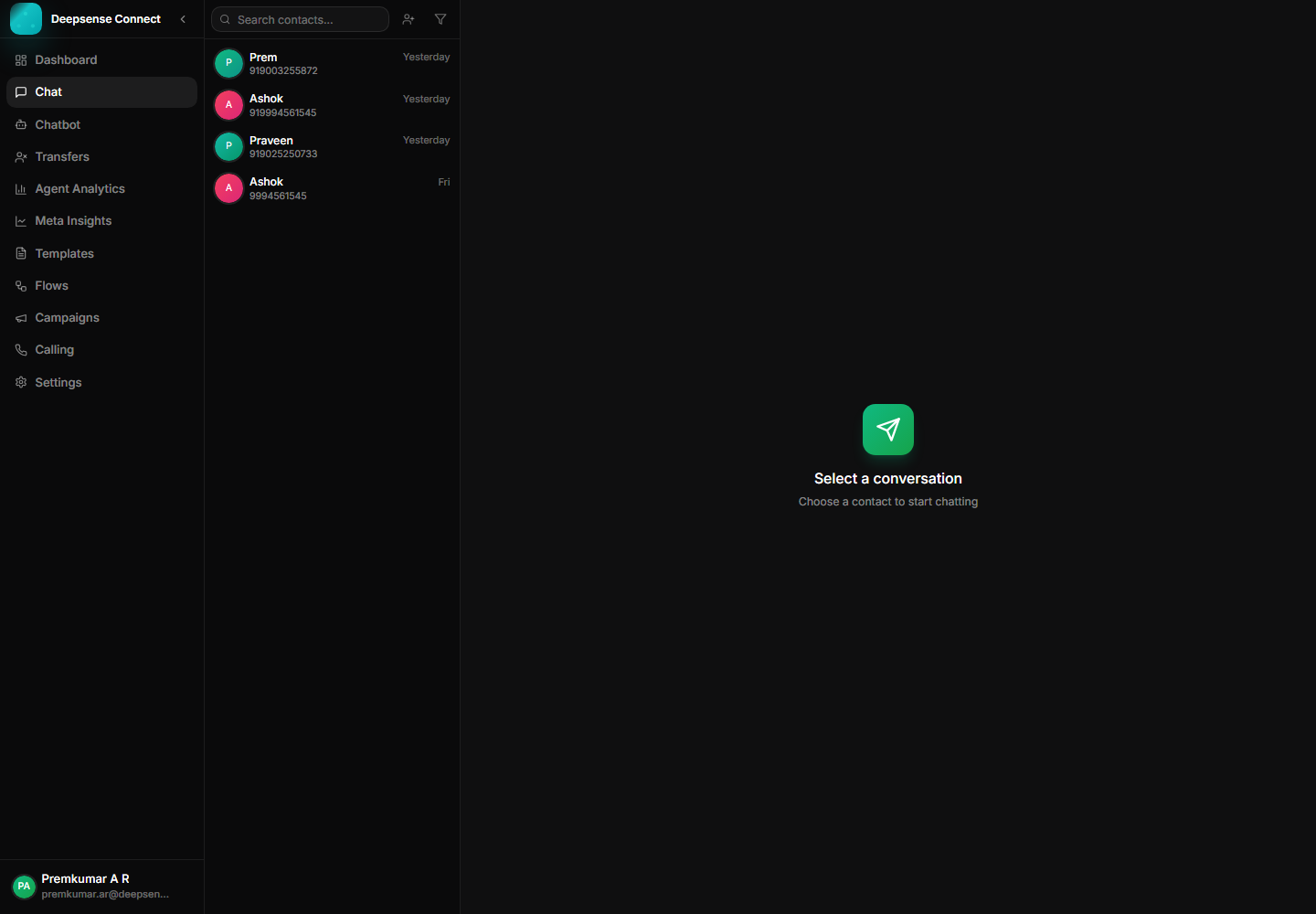
Manage customer messages, media, status ticks, assignments, and history from one workspace.
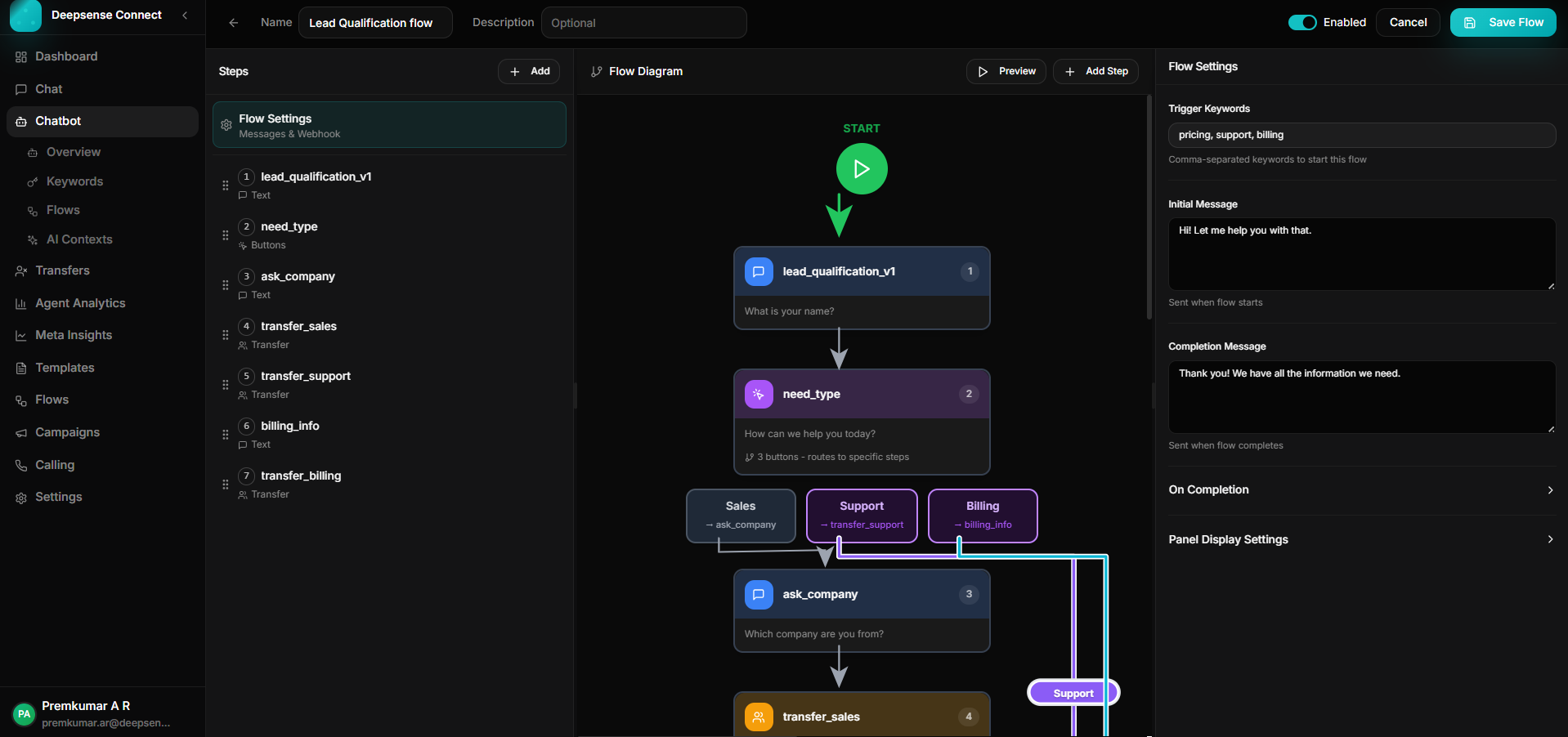
Build keyword-triggered journeys with branching, validation, API calls, forms, and human handoff.
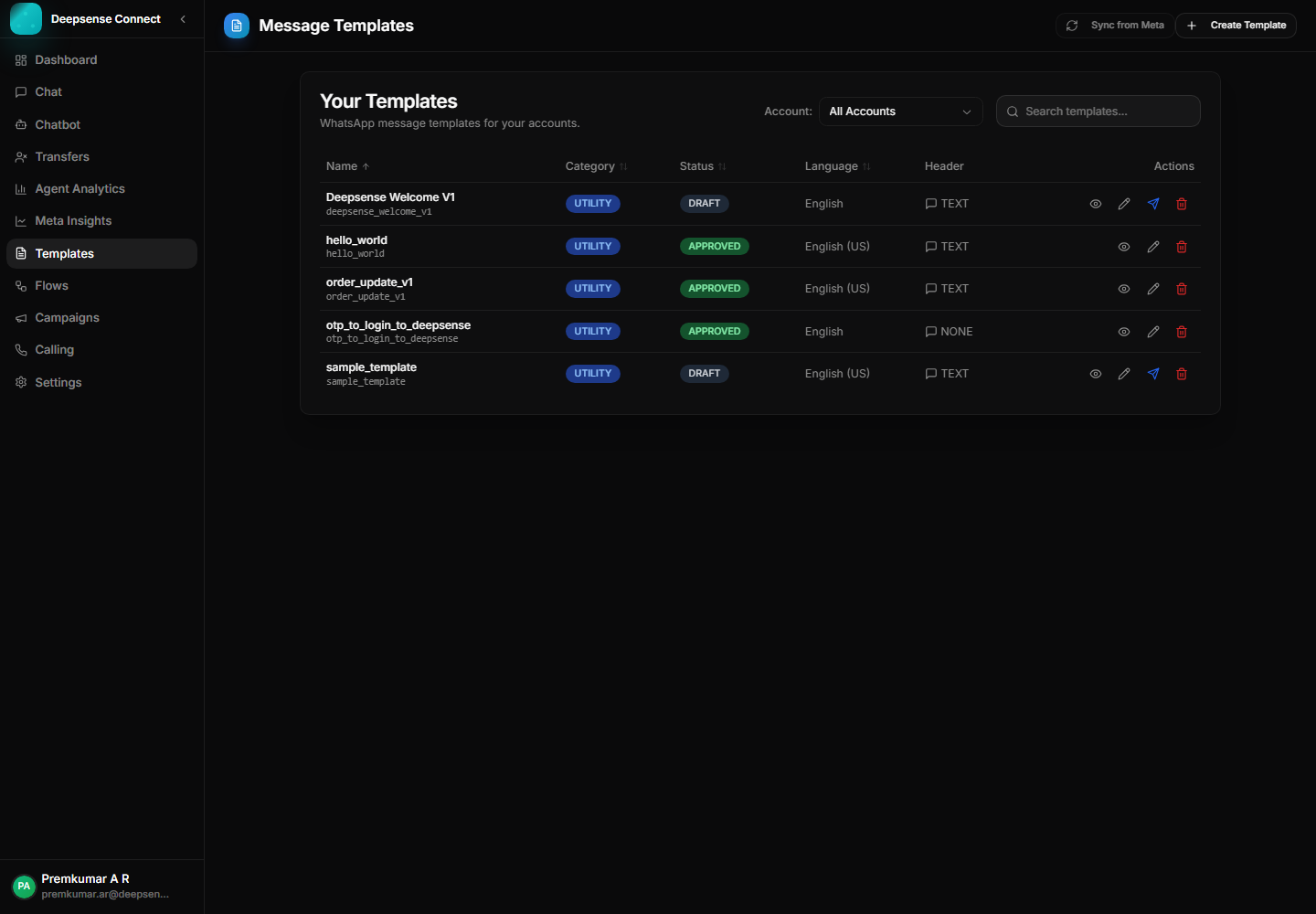
Create, sync, publish, and manage WhatsApp templates for approved outbound communication.